Find anything, get help & set language or dark mode
Lost? Type what you want to do. Want BookTend in Spanish or dark mode? It's one setting.
Search for anything
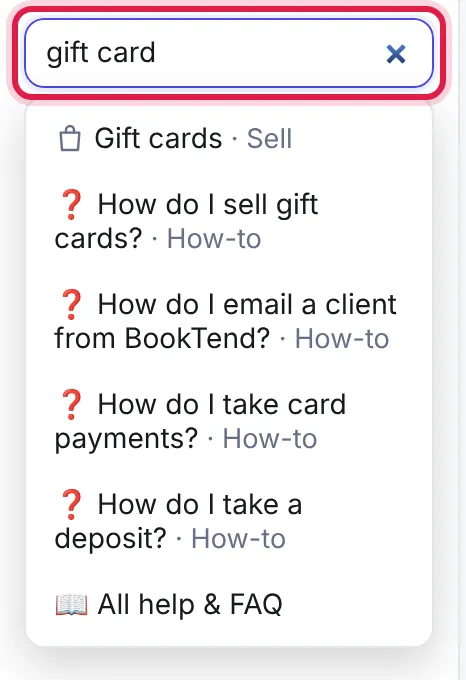
Type in the 🔍 Search box at the top of the menu — like "refund", "gift card" or "taxes". It finds pages and answers.
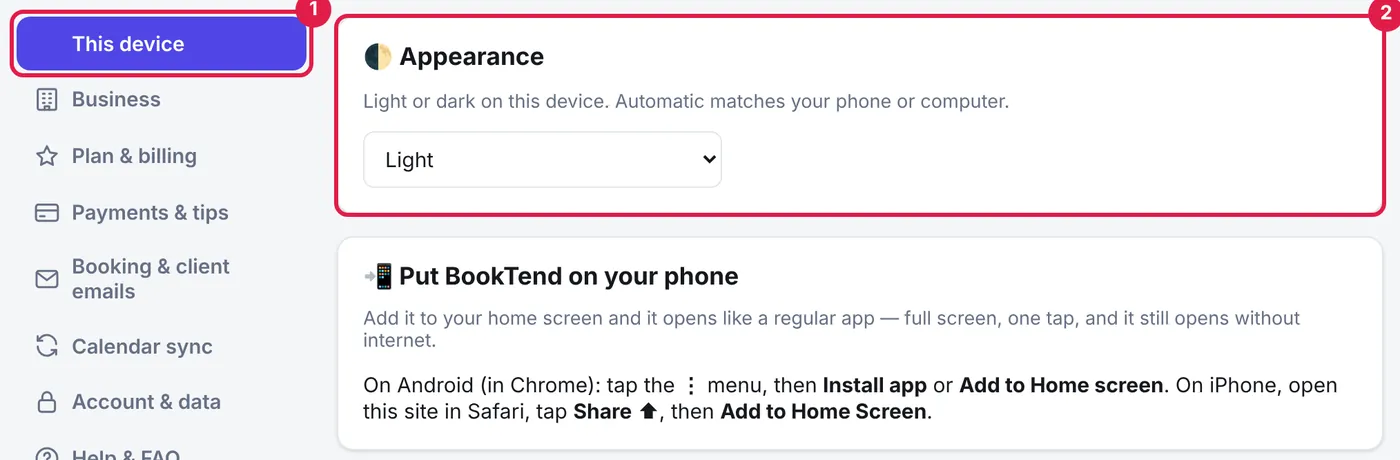
Light or dark: Settings → This device → Appearance
Automatic matches your phone or computer. It's set for each device.
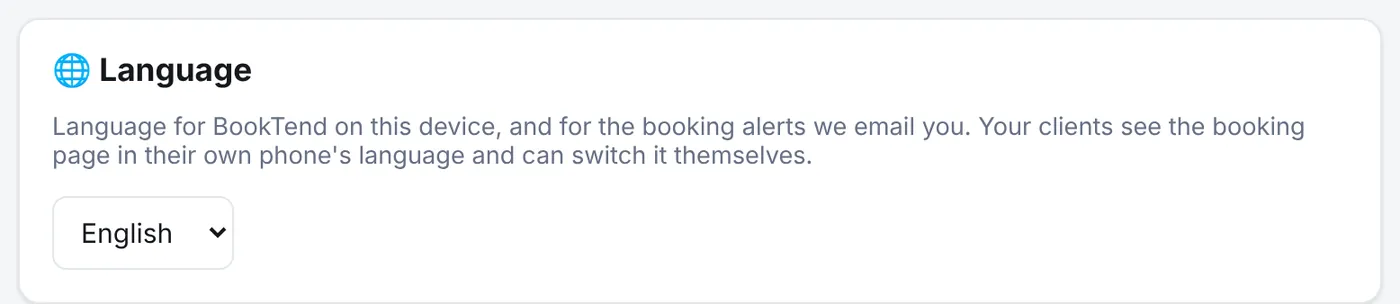
Spanish: Settings → This device → Language
Pick Español. It's set for each device, and your clients see the booking page in their own phone's language.
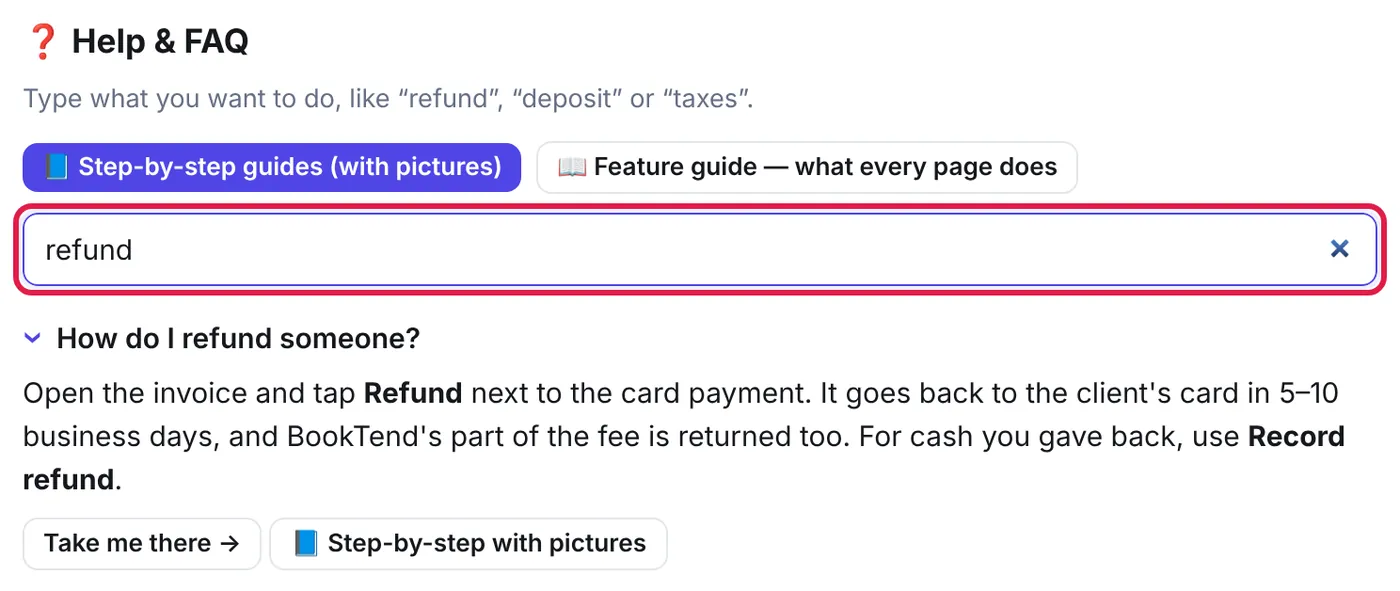
Answers: Settings → Help & FAQ
Type a word. Each answer has Take me there → and, where there is one, a step-by-step guide with pictures.
Still stuck? Write to us
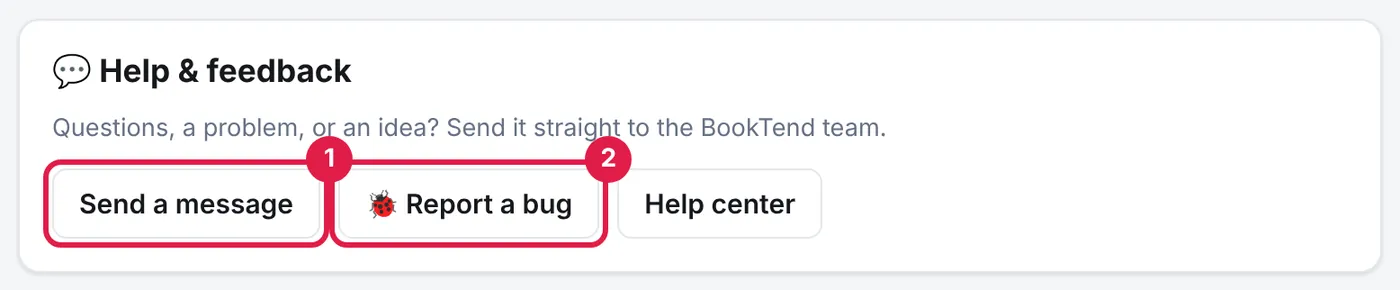
1 Send a message · 2 🐞 Report a bug. We usually reply within one business day. Or email support@booktend.app.
💡 Good to know
- On a phone, the most-used pages are in the bar at the bottom; everything else is under ☰ Menu.
- In the iPhone app you can lock BookTend with Face ID: Settings → This device → Lock with Face ID.
- Every page has a ? next to its title that explains what it does.
Pictures show the demo shop "Maple Street Barbers" on a computer. On a phone, the same pages are in the bottom bar and under Menu.
Still stuck? Email support@booktend.app · All guides · Privacy · Terms