Backups, history & getting things back
Every change is recorded, deleted items can be brought back, and a full copy of your business is saved every night.
1
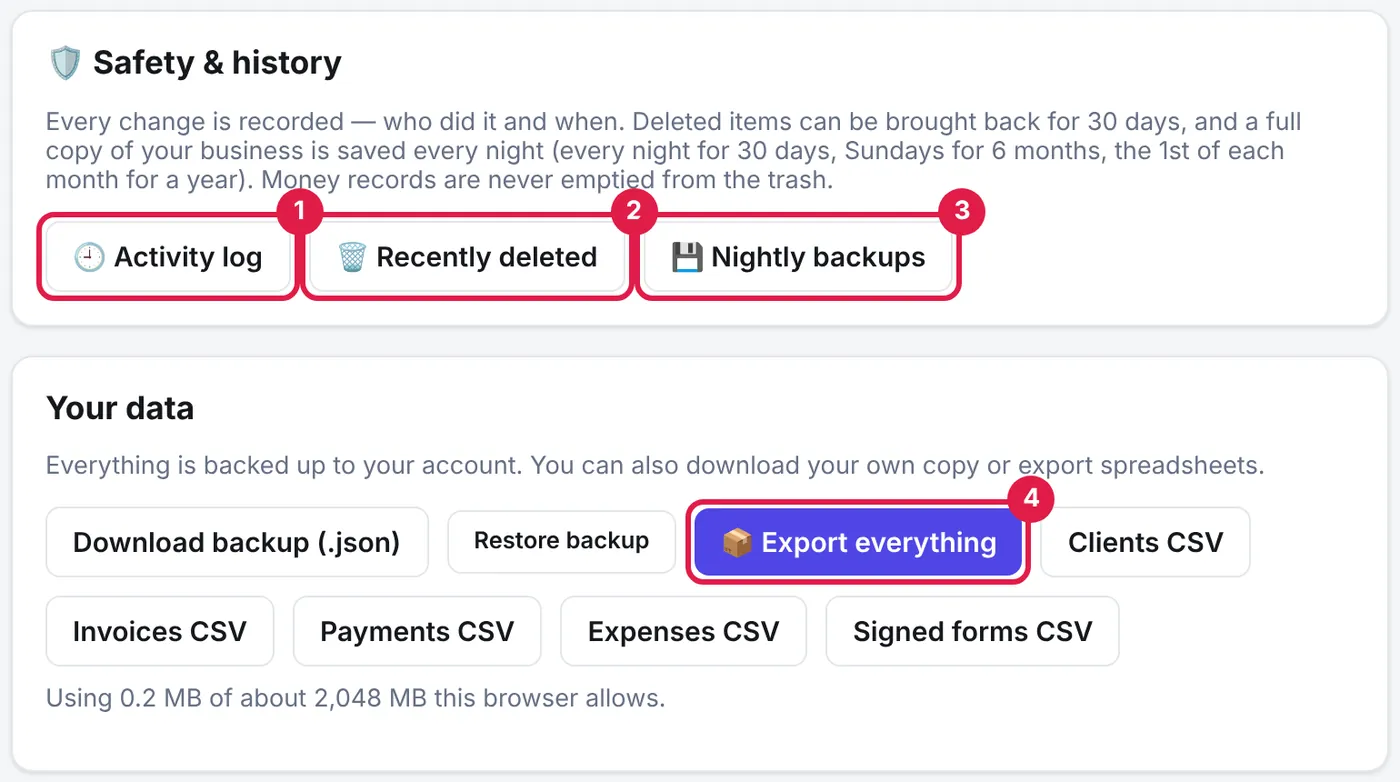
Open Settings → Account & data
1 Activity log · 2 Recently deleted · 3 Nightly backups · 4 Export everything.
2
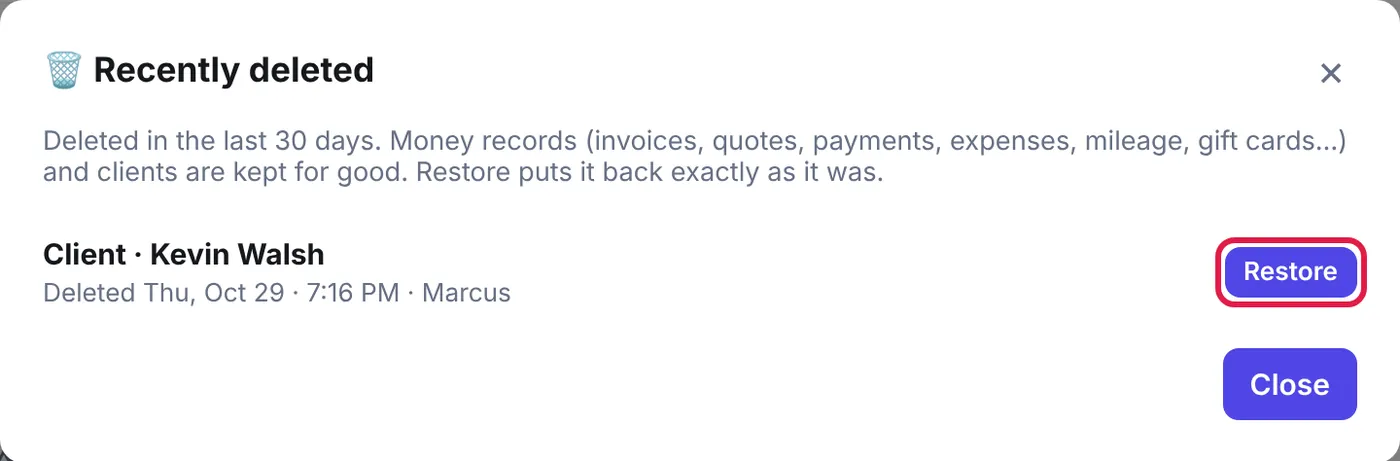
⚠️ Deleted something by mistake? Click 🗑️ Recently deleted → Restore
Items come back exactly as they were for 30 days. Money records and clients are kept for good.
3
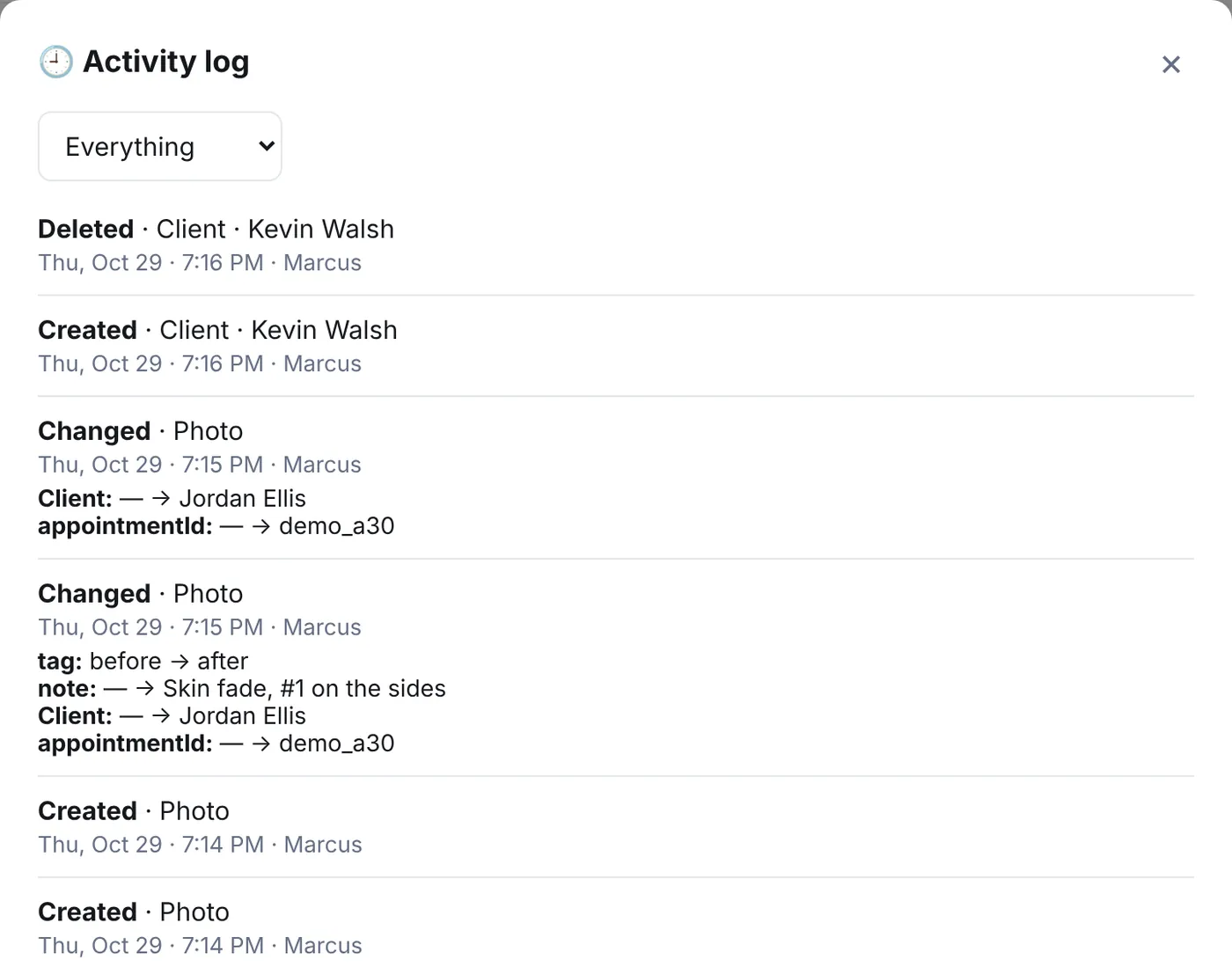
Who changed what? Click 🕘 Activity log
Every change, who made it and when.
4
Your own copy: 📦 Export everything
One .zip with a spreadsheet for every kind of record — yours to keep or move to another app.
💡 Good to know
- Nightly backups are kept every night for 30 days, Sundays for 6 months, and the 1st of each month for a year.
Pictures show the demo shop "Maple Street Barbers" on a computer. On a phone, the same pages are in the bottom bar and under Menu.
Still stuck? Email support@booktend.app · All guides · Privacy · Terms