Book, move or cancel an appointment
Clients who book online show up on their own. For walk-ins and phone calls, add them yourself.
Click + New appointment
On Calendar. Or just click an open time on the calendar (Day or Week view).

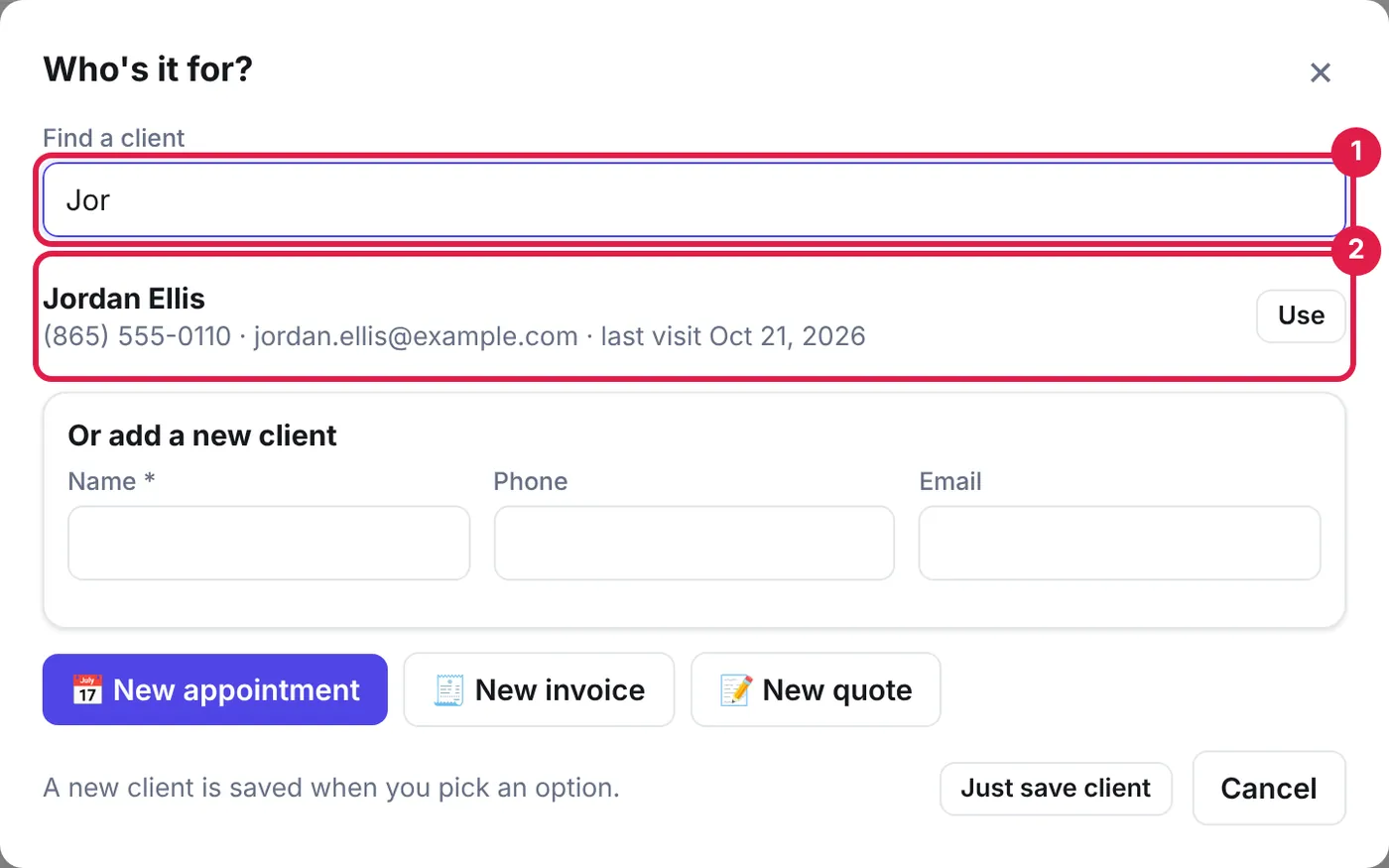
Find the client (or add a new one)
Start typing a name, phone or email and click the client. New client? Type their name under Or add a new client.
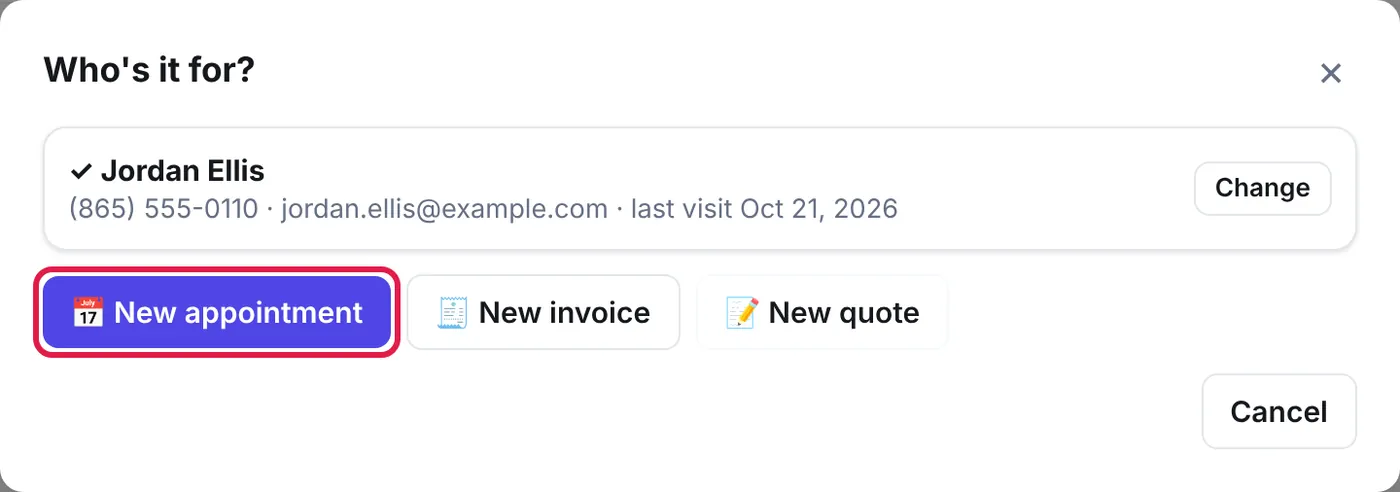
Click New appointment
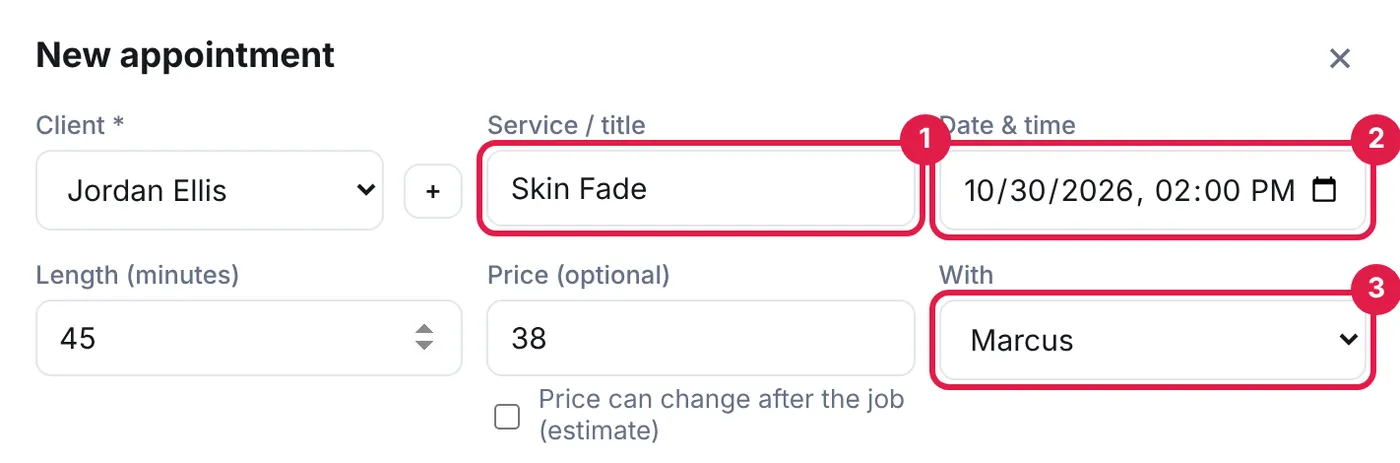
Pick the service, date & time, and who
Picking a saved service fills in the length and price for you.
Click Save
If automatic emails are on, the client gets a "you're booked" email with an add-to-calendar file.

It's on the calendar
To move it: drag it to a new time (or onto another person). Drag its bottom edge to make it longer. On a phone, press and hold first, then drag.
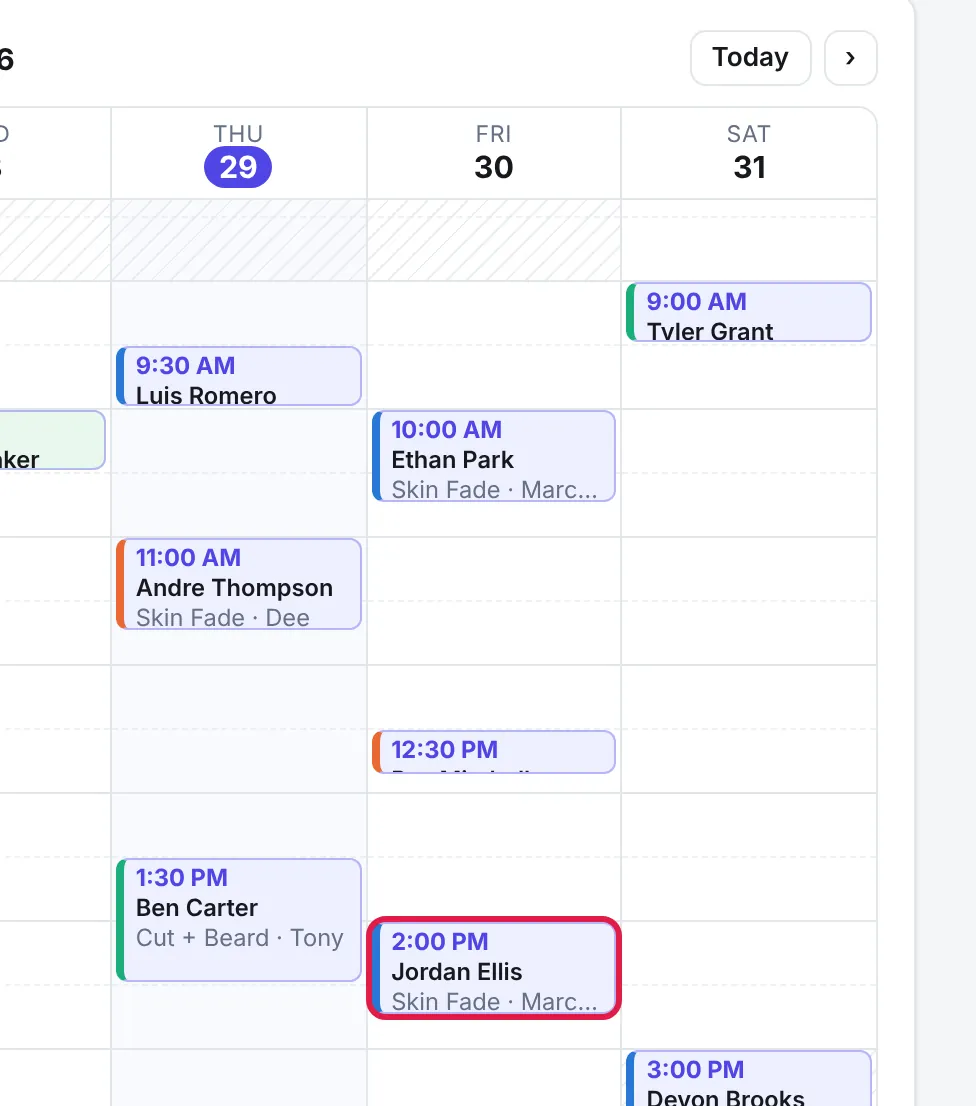
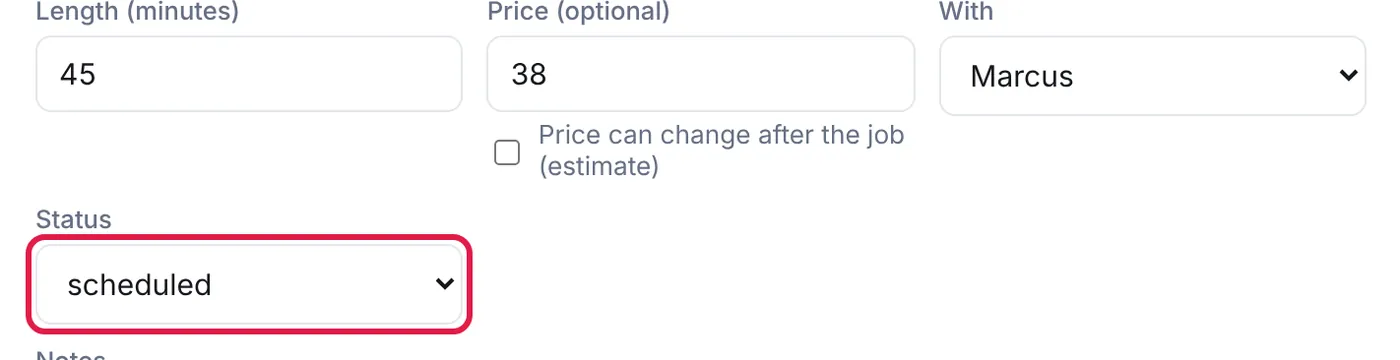
To cancel: open it and change the Status
Click the appointment, set Status to cancelled (or no-show) and click Save. It stays in the client's history.
💡 Good to know
- Need it every week? Use Repeat in the appointment window.
- In the appointment window: Create invoice, Sign form, 🚗 On my way, 🔁 Book next and 📷 Photos.
Pictures show the demo shop "Maple Street Barbers" on a computer. On a phone, the same pages are in the bottom bar and under Menu.
Still stuck? Email support@booktend.app · All guides · Privacy · Terms