Block time from Outlook, iCloud or Yahoo
Use Outlook, iCloud, Yahoo or another calendar for your personal life? Link it, and clients can't book you when you're busy there. BookTend only reads busy times — it never changes that calendar and never saves event names. Using Google Calendar? Connect it directly instead — it works both ways.
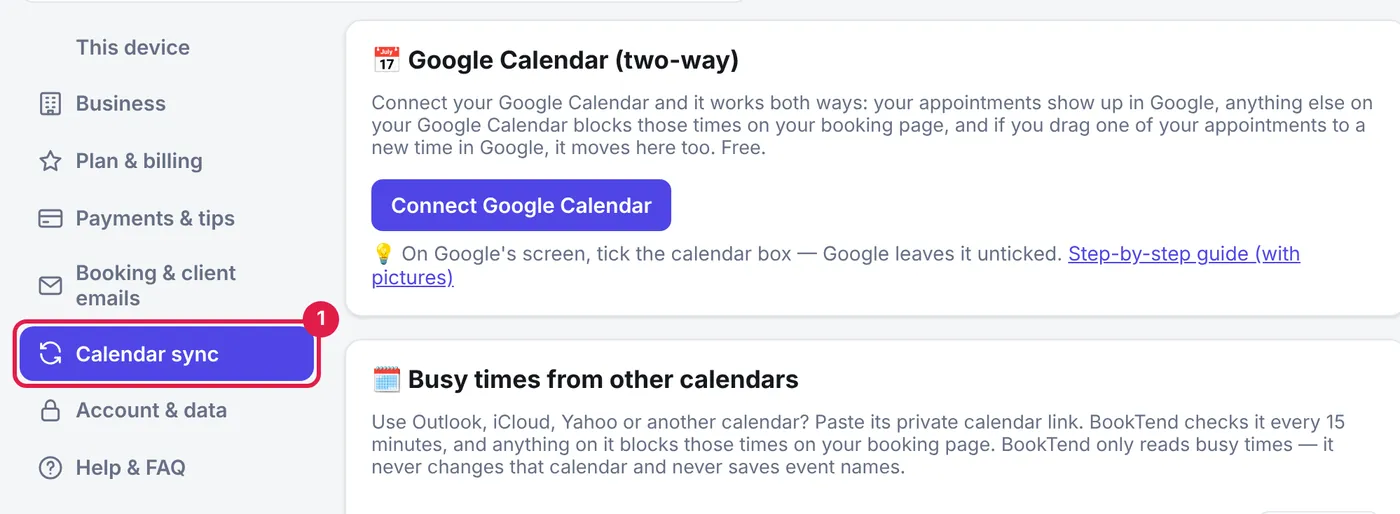
Open Settings → Calendar sync
Scroll to 🗓️ Busy times from other calendars.
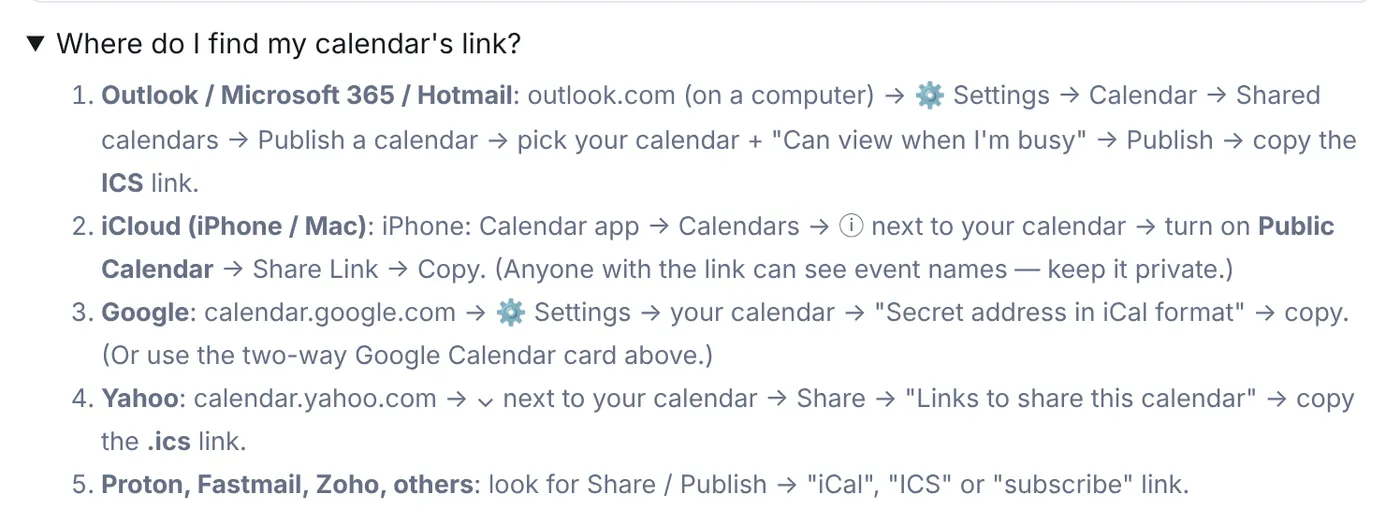
Copy your calendar's private link
Open Where do I find my calendar's link? for Outlook, iCloud, Google, Yahoo and others. Outlook: outlook.com → ⚙️ Settings → Calendar → Shared calendars → Publish a calendar. iPhone: Calendar app → Calendars → ⓘ → Public Calendar → Share Link.
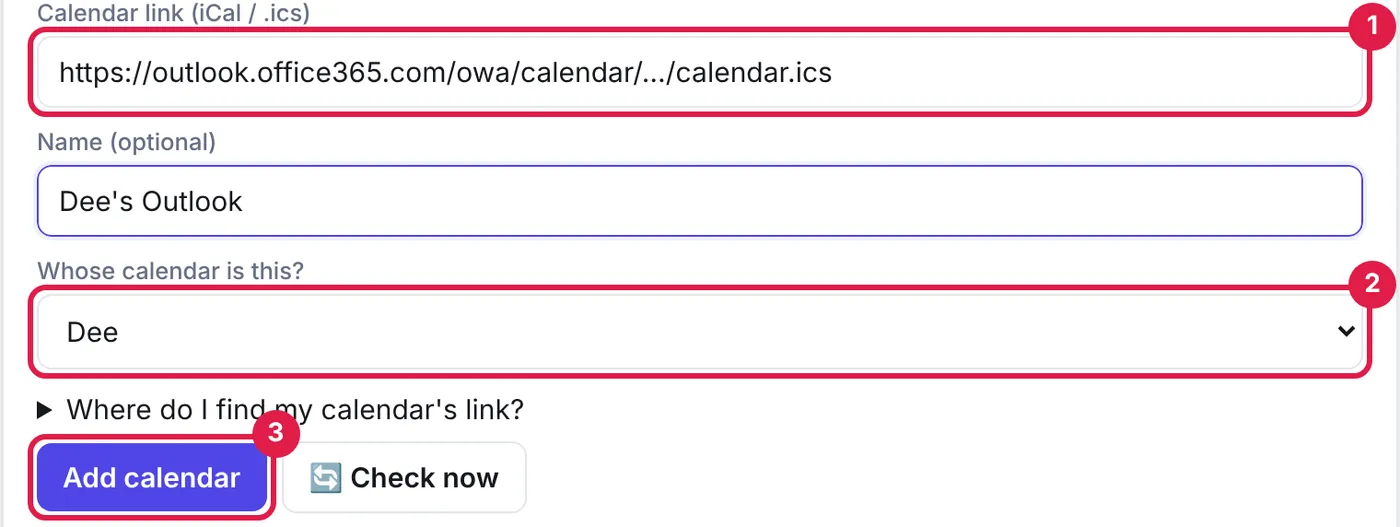
⚠️ Paste it, pick whose calendar it is, click Add calendar
1 Paste the link. 2 Pick the person it blocks — or Everyone. 3 Click Add calendar.
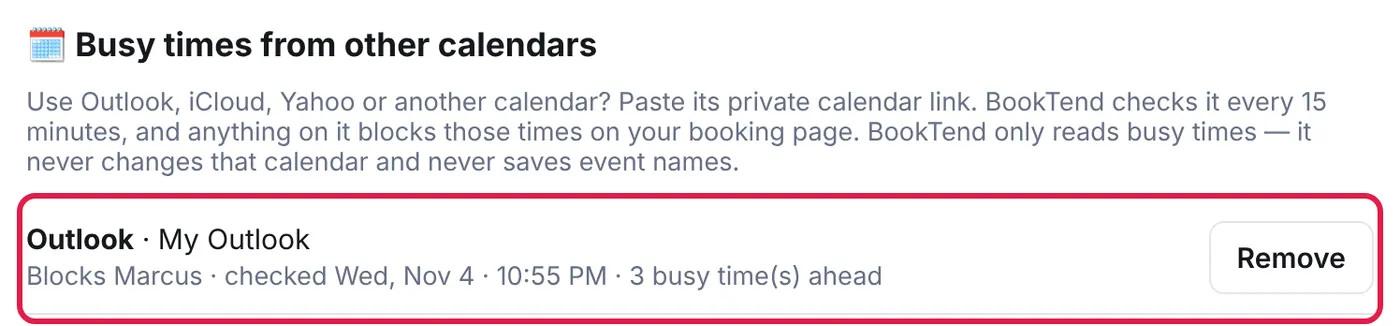
It's linked
BookTend checks it every 15 minutes. Click 🔄 Check now to check right away, or Remove to unlink it.
Busy times show on your Calendar
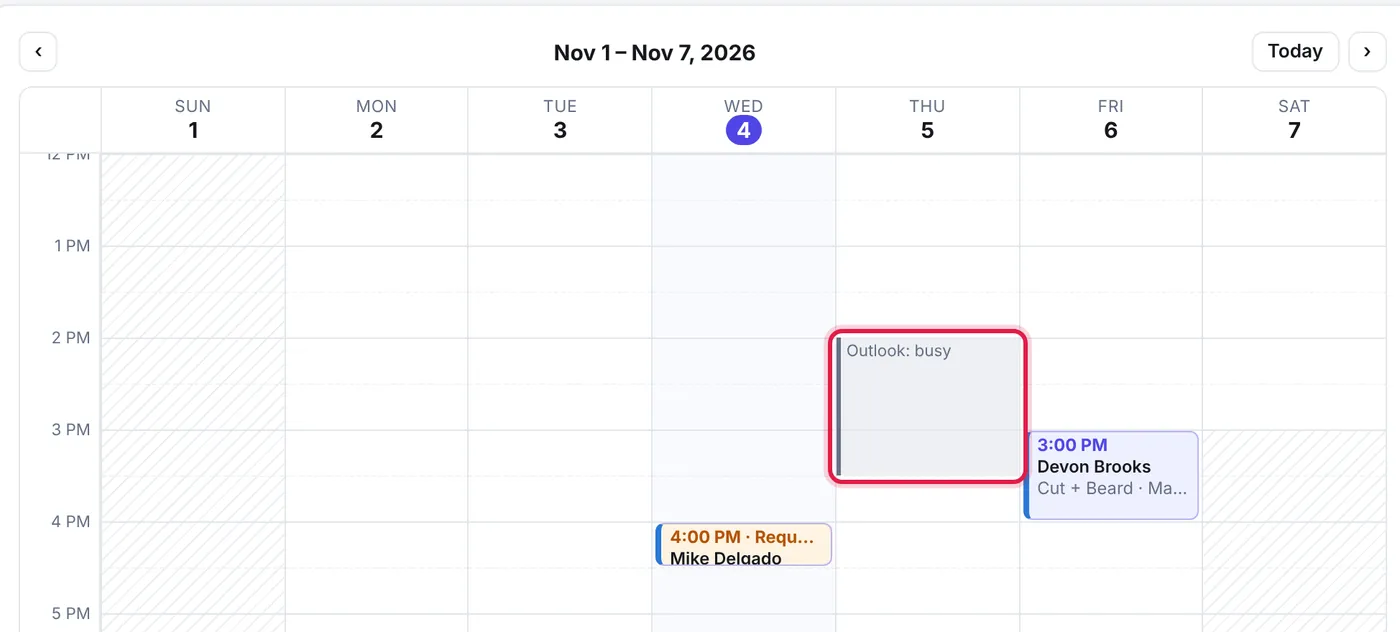
They show in grey (like "Outlook: busy"), and online booking skips them.
Staff can link their own
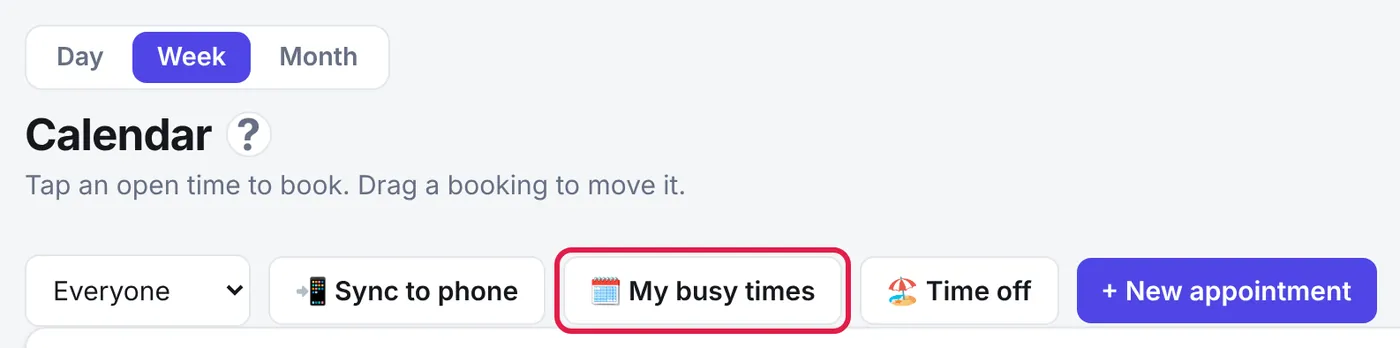
Staff click 🗓️ My busy times on the Calendar page. Their calendar only blocks their own times.
💡 Good to know
- Your link is stored privately and is never shown again.
- To show your BookTend bookings in that calendar, use Show bookings in your calendar lower on the same page.
Pictures show the demo shop "Maple Street Barbers" on a computer. On a phone, the same pages are in the bottom bar and under Menu.
Still stuck? Email support@booktend.app · All guides · Privacy · Terms