Custom requests (clients send an idea)
For work that needs a look first — a custom design, a special job, a big project. Clients send their idea from your booking page instead of booking a set service.
Turn it on
In Calendar → Online booking, set Custom requests to On.

Clients tap "Have a custom idea?"
It shows at the top of your booking page.
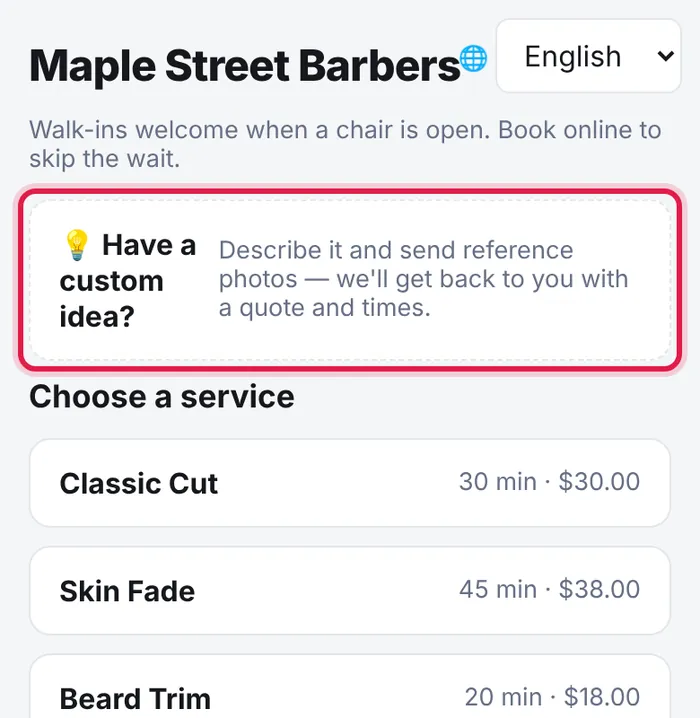
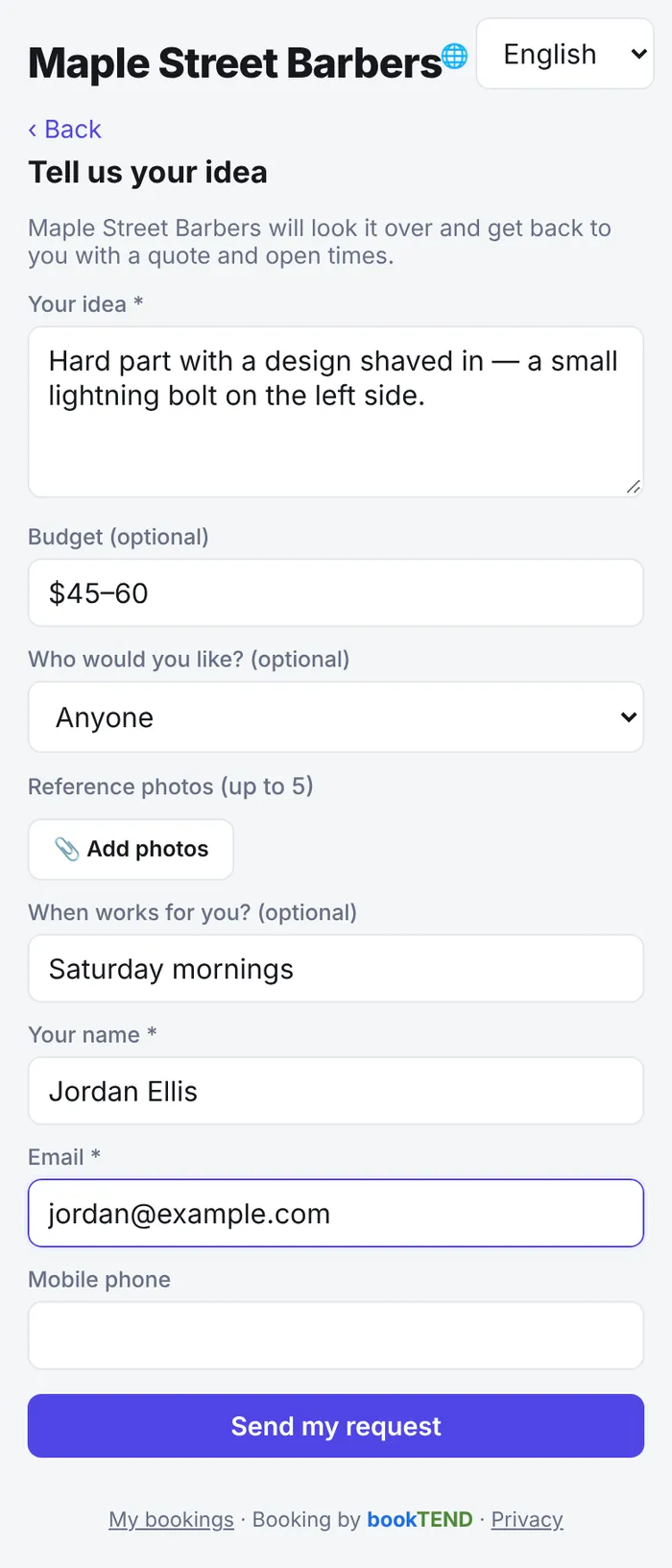
They describe it and send photos
Their idea, a budget, who they'd like, when works, and up to 5 reference photos. Tattoo and piercing shops also get "where on your body", size and color.
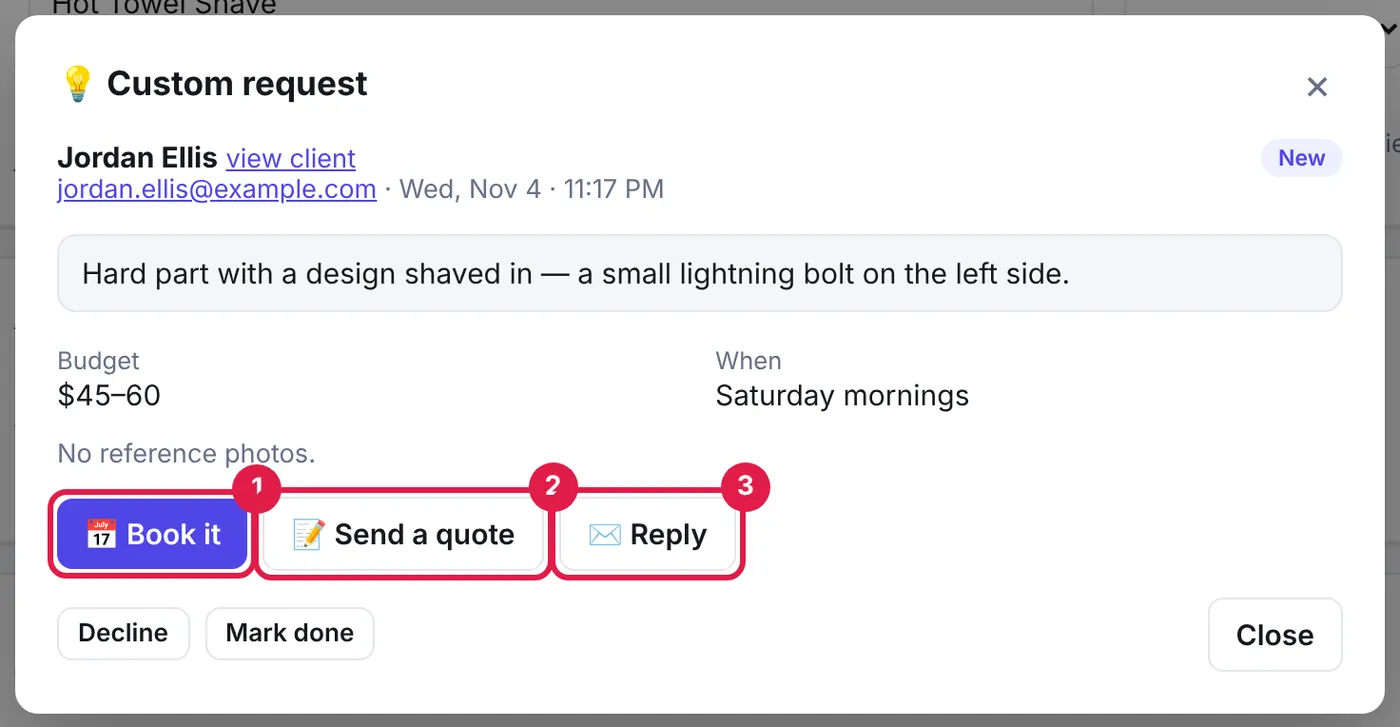
It shows up in Calendar → Online booking
Under 💡 Custom requests. A new client is added for you if they're not already in your list.

⚠️ Open it and answer
1 📅 Book it · 2 📝 Send a quote · 3 ✉️ Reply. Or Decline or Mark done.
Pictures show the demo shop "Maple Street Barbers" on a computer. On a phone, the same pages are in the bottom bar and under Menu.
Still stuck? Email support@booktend.app · All guides · Privacy · Terms