Permits, licenses & insurance reminders
Business license, health permit, insurance, inspections — add each one once, and BookTend reminds you before it expires.
1
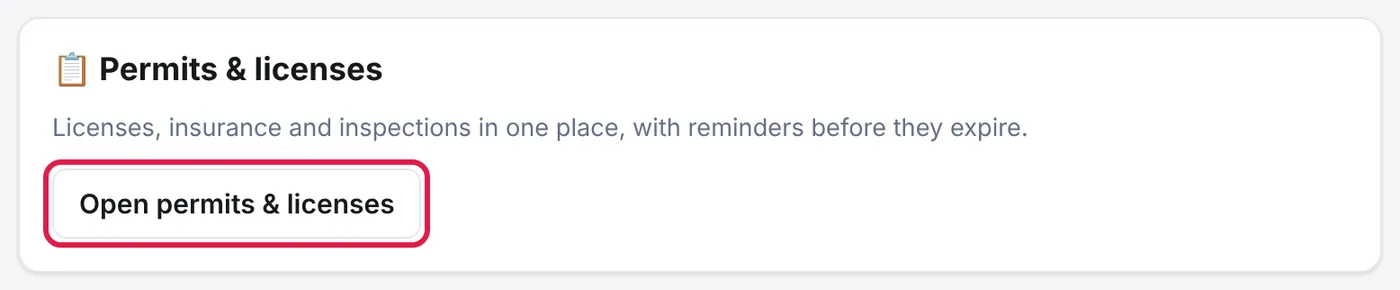
Open Settings → Business → Open permits & licenses
Turn on the Permits tool first if you don't see it (Settings → Business → Edit business setup).
2
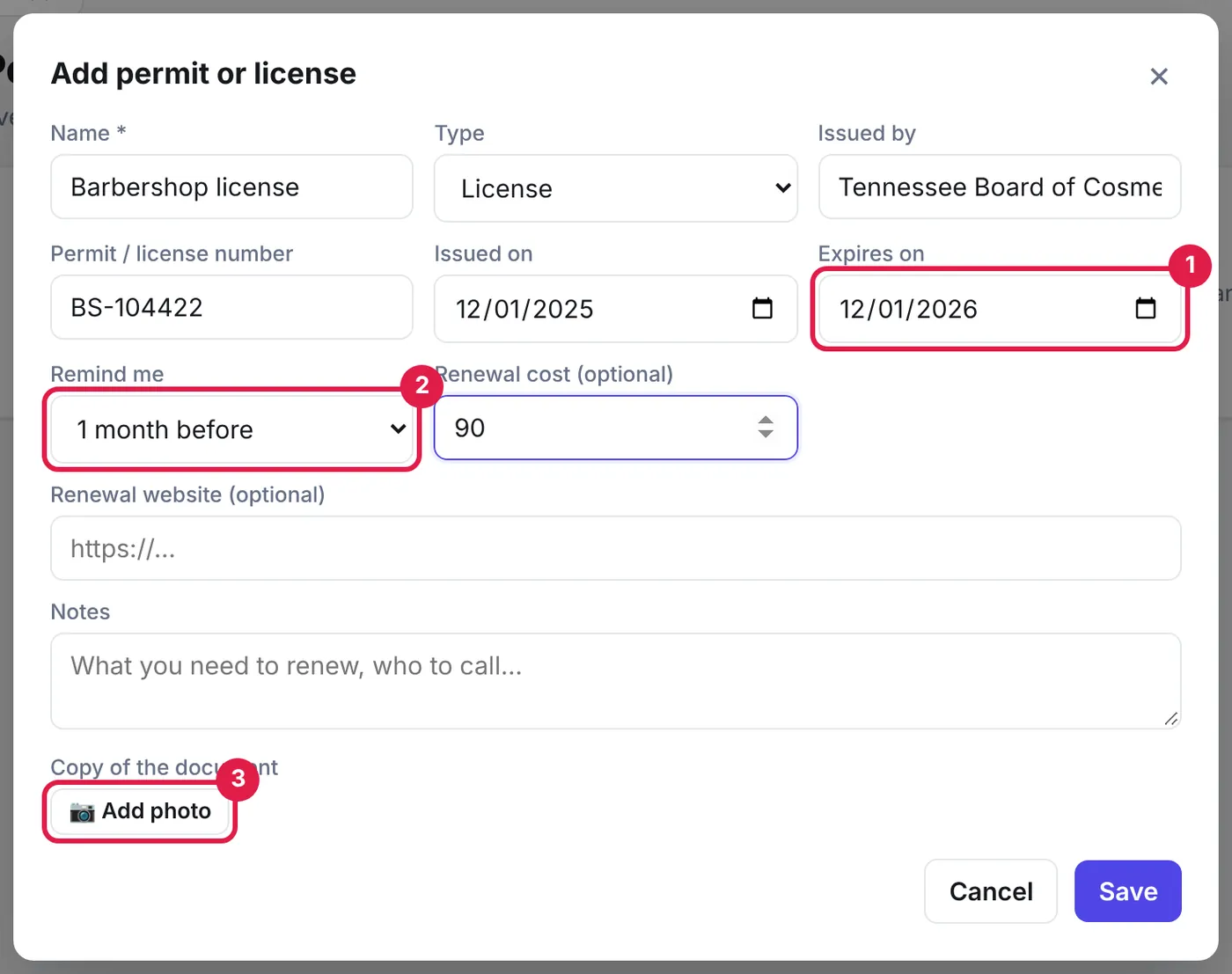
⚠️ Click + Add permit or license, fill it in, Save
1 When it expires · 2 When to remind you (1 week to 3 months before) · 3 A photo of the document. The renewal cost and website are optional.
3
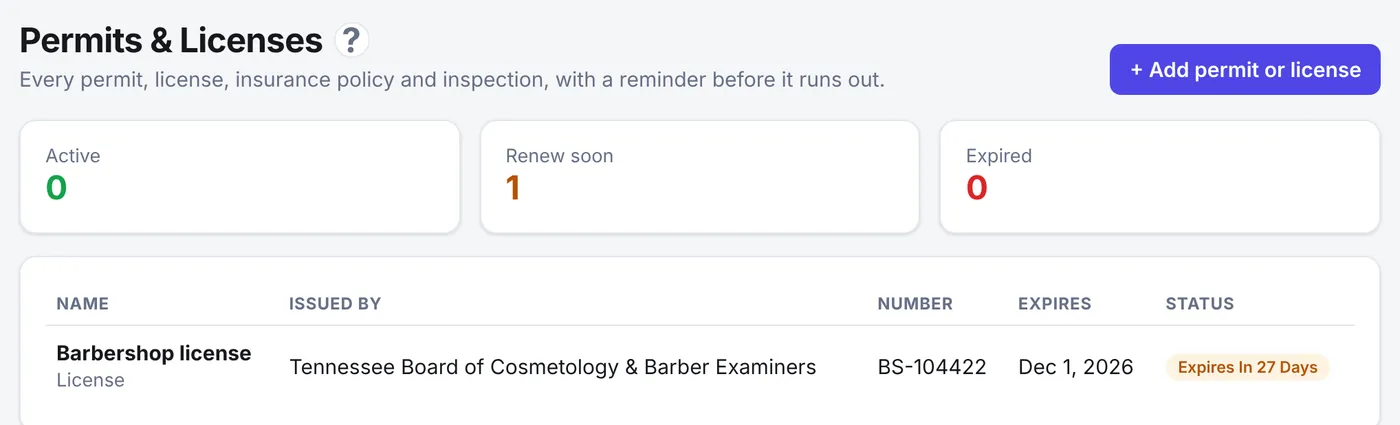
See what's due
Active, Renew soon and Expired at the top. You also get an email before each one expires, and it shows in Reminders.
4
Renewed it?
Open it and change the expiration date.
Pictures show the demo shop "Maple Street Barbers" on a computer. On a phone, the same pages are in the bottom bar and under Menu.
Still stuck? Email support@booktend.app · All guides · Privacy · Terms