Tips: online, cash & the tips report
Tips go to the person who did the work (unless you set up a tip pool). BookTend takes no cut of tips.
Turn on tips for online payments
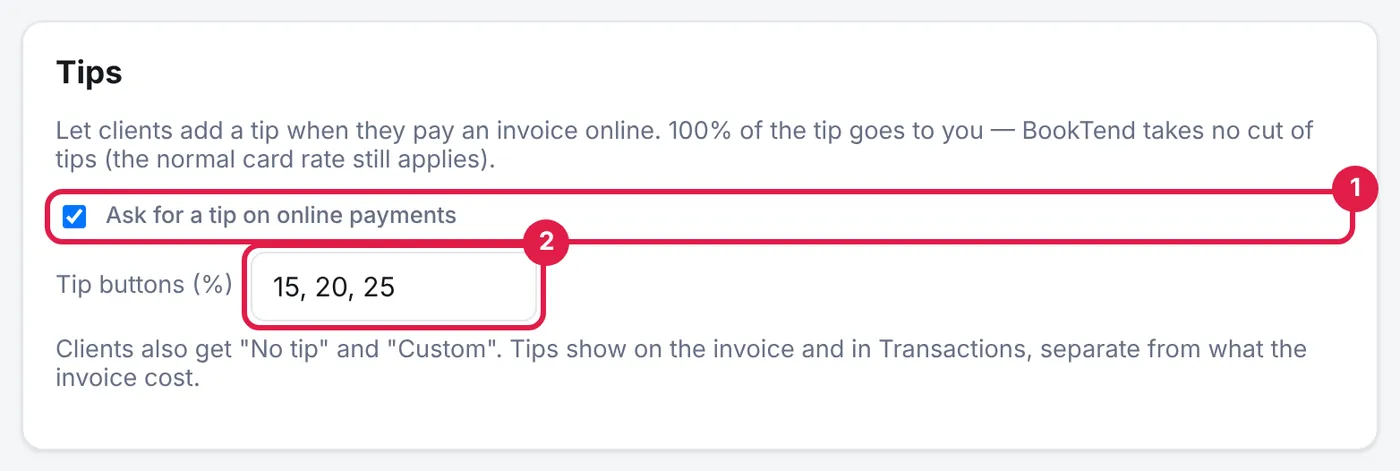
In Settings → Payments & tips: 1 tick Ask for a tip on online payments. 2 Type your tip buttons (like 15, 20, 25). Clients also get "No tip" and "Custom".
⚠️ See tips for each person
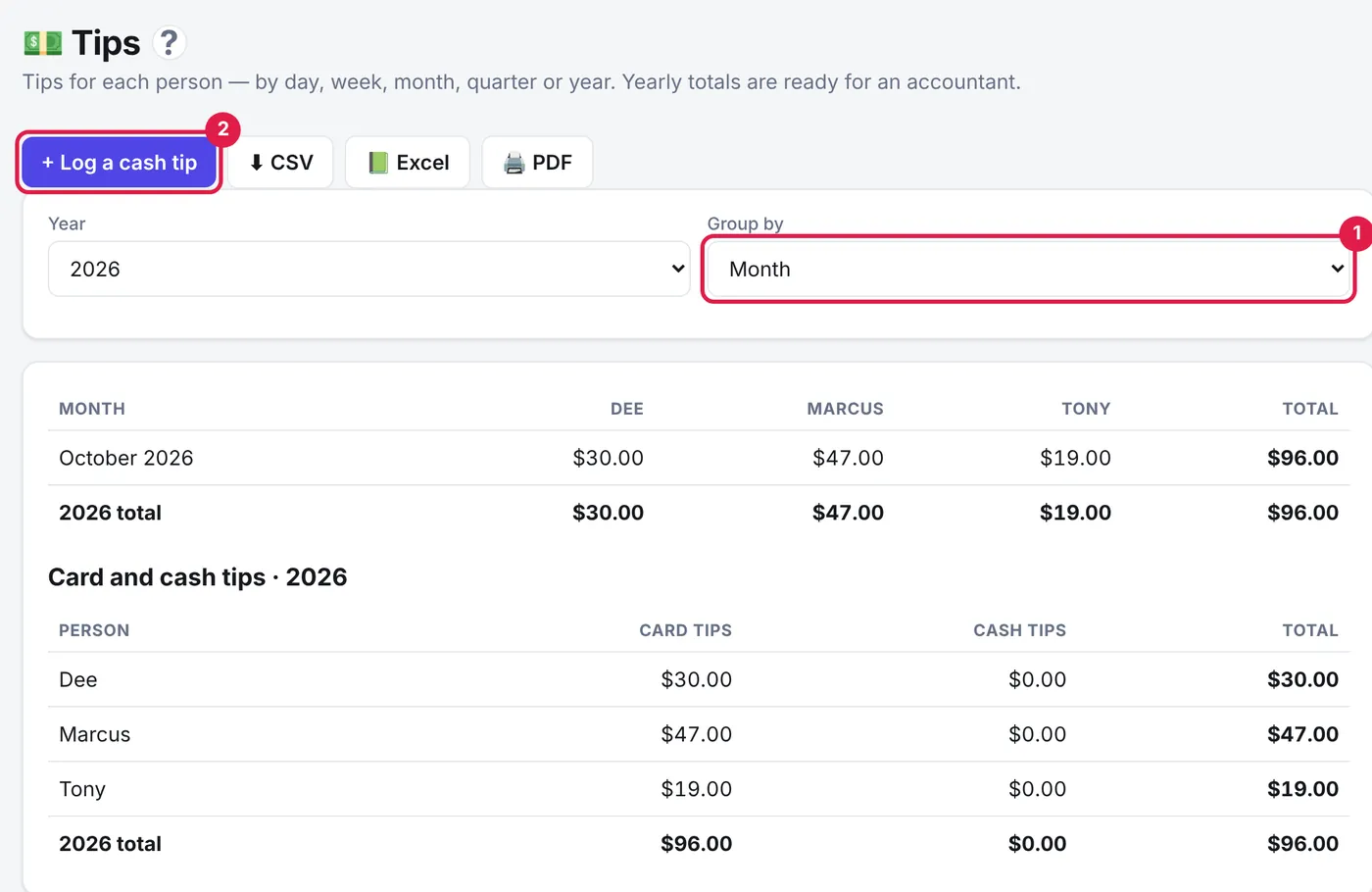
Go to Reports → Tips. 1 Group by day, week, month, quarter or year. Card and cash tips each have their own column. ⬇ CSV, 📗 Excel and 🖨️ PDF are for your accountant.
Log cash tips
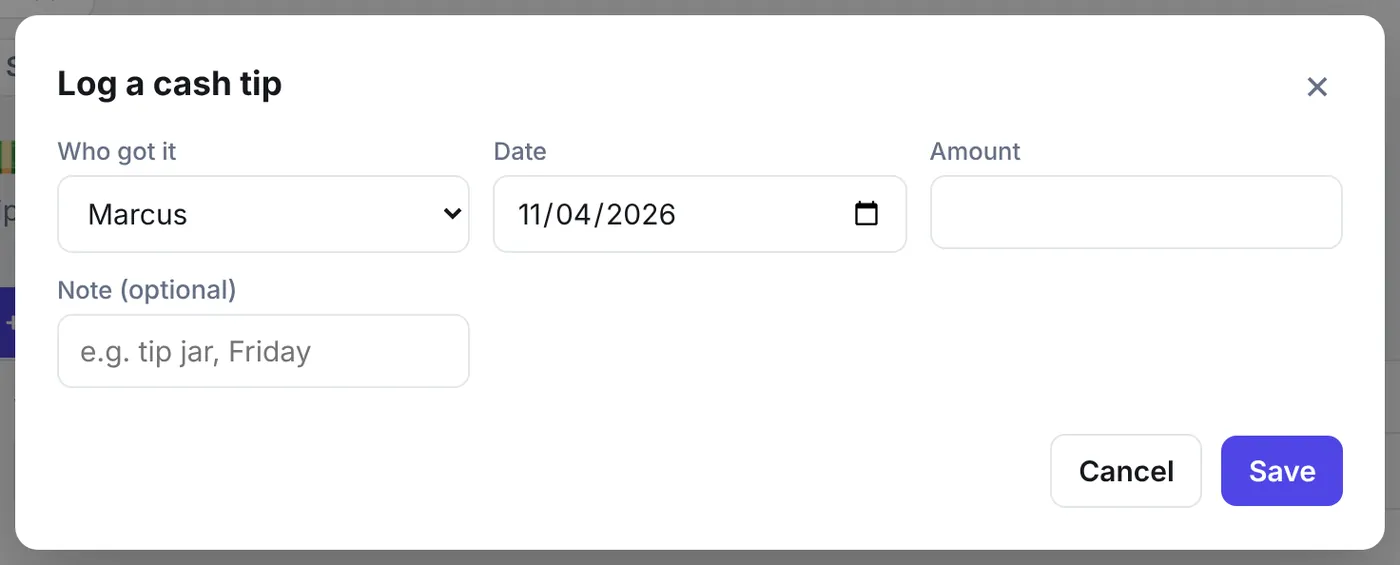
2 Click + Log a cash tip, pick who got it, the date and the amount. When a client says "keep the change" on a cash payment, BookTend logs it as a tip for you.
💡 Good to know
- Shared tips? See Staff pay, time clock & tip pools.
- Tip records are for you and your tax professional — not tax advice. The federal "no tax on tips" deduction only covers some jobs; your tax professional decides what qualifies.
Pictures show the demo shop "Maple Street Barbers" on a computer. On a phone, the same pages are in the bottom bar and under Menu.
Still stuck? Email support@booktend.app · All guides · Privacy · Terms