Send a quote or estimate
A quote is a price you send before the work. When the client says yes, it becomes an invoice in one click.
1
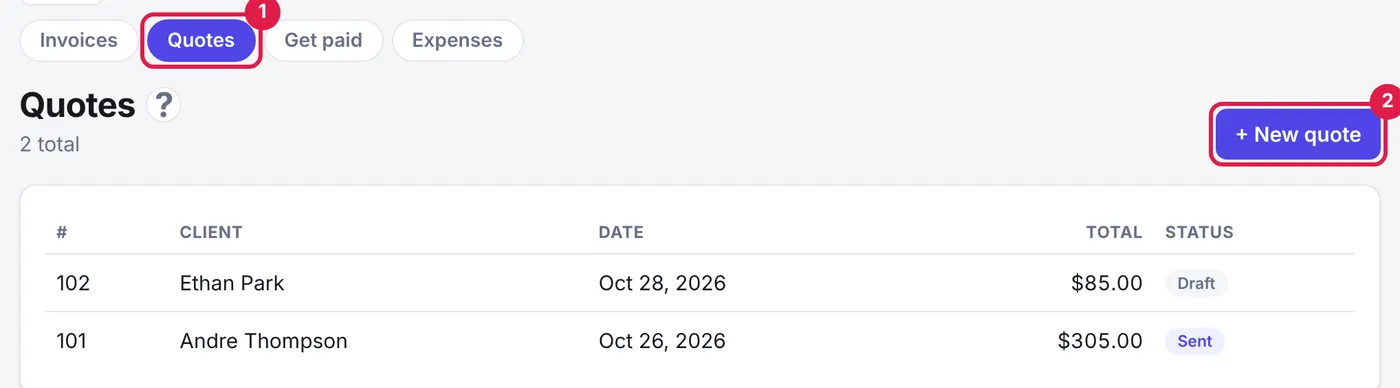
Click + New quote
In Money → Quotes. Pick the client the same way as an invoice.
2
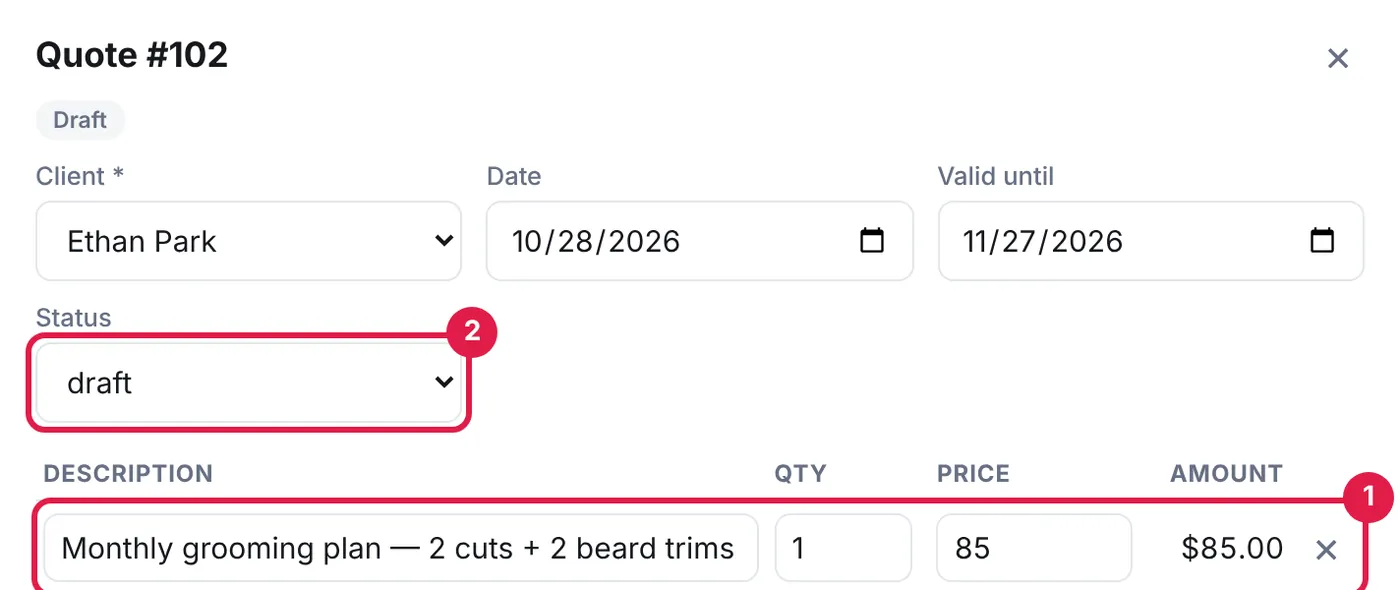
Add what the job includes
Type each line with a quantity and price. Set Valid until if the price expires. Click Save.
3
Send it to the client
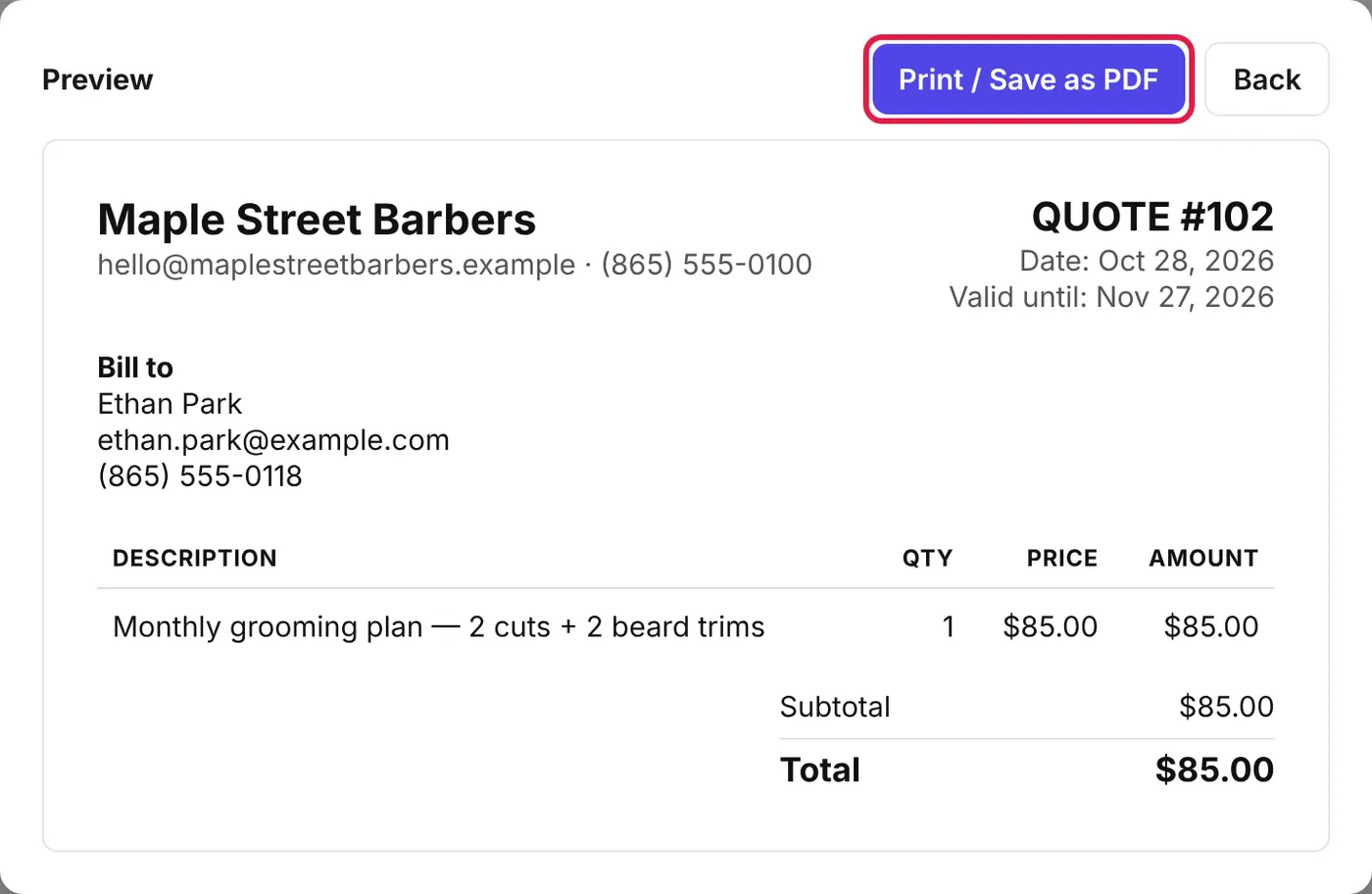
Click Print / PDF, then Print / Save as PDF, and email or text the PDF. Then set Status to sent so you know it's out.
4
⚠️ They said yes? Convert to invoice
Open the quote and click Convert to invoice. Want money up front? Click 💵 Request deposit first.

💡 Good to know
- Once a quote is sent, staff can't change its prices unless you allow it — see Add staff.
- Price might change once you start? See Estimates & price changes.
Pictures show the demo shop "Maple Street Barbers" on a computer. On a phone, the same pages are in the bottom bar and under Menu.
Still stuck? Email support@booktend.app · All guides · Privacy · Terms